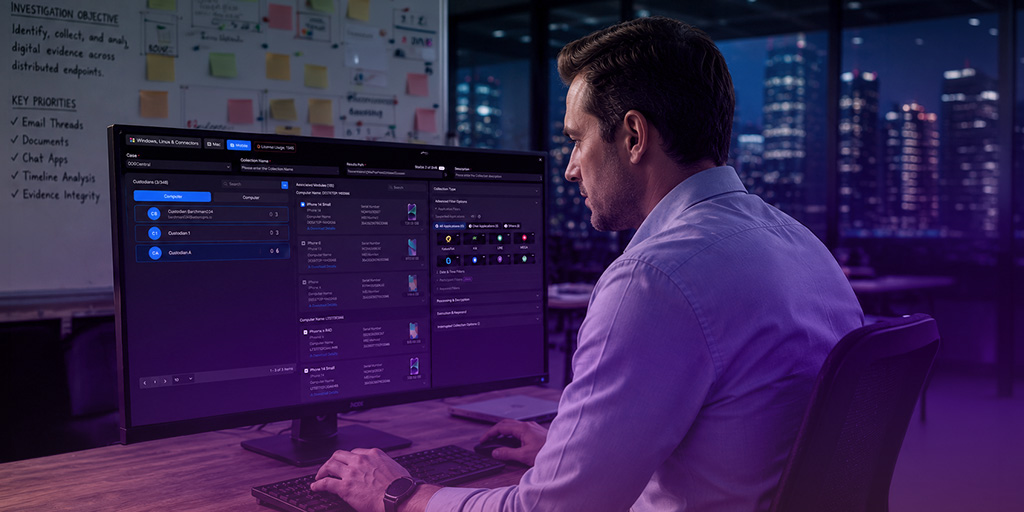
Why You Need Live Preview in Your Digital Forensics Toolkit

What Is Live Preview in Digital Forensics?
In the context of digital forensics, a “live preview” refers to the ability to view and analyze the contents of a digital device or system in real-time or near real-time, without altering its state or data. It allows investigators to assess the current state of a system, gather volatile data, and potentially identify any malicious or suspicious activities occurring on the system.
It's important to note that while live preview provides valuable real-time insights, it should be performed carefully to avoid contaminating or altering the system being investigated. Accidentally affecting the data would mean that the investigation was no longer forensically sound and could result in it being inadmissible in court:
In some cases, it might be necessary to create a forensic image of the system before performing live analysis to ensure data preservation and integrity.
Why Is Live Preview Important?
Cybersecurity incidents can unfold rapidly, and it’s important to act fast to prevent malware or an intrusion from moving from one endpoint—perhaps an employee’s laptop computer or company-issued smartphone—to other endpoints and even to corporate infrastructure. Quick response to a cyberincident can dramatically reduce the costs of responding to it by minimizing the data lost or compromised, reducing the risk of business disruption, and reducing the need to remediate or restore multiple devices.
During the initial stages of a digital investigation, digital forensics and incident response (DFIR) professionals can use live preview to quickly assess the situation and make informed decisions about whether to proceed with further analysis or actions. It can provide valuable insights into active processes, network connections, open files, running applications, and other real-time data that might be relevant to the investigation.
If you’re looking to build a cybersecurity incident response playbook, get tips on implementing the CISA Incident Response Playbook at your organization in our recent whitepaper:
With live preview, DFIR teams can identify the attacker’s tactics, techniques, and procedures (TTPs) to determine the appropriate measures to take to eliminate the threat and prevent future attacks of the same sort. Teams can accelerate their response to incidents further if they integrate their digital forensic solution with their SIEM (Security Information and Event Management) and SOAR (Security Orchestration, Automation, and Response) solutions, so that incidents automatically trigger the collection of data from affected endpoints.
Benefits of Live Preview in Digital Forensics
Live preview offers several important benefits for DFIR professionals. They include:
- Real-Time Information: Investigators can gather current system information and data that might be lost if the system were shut down or restarted.
- Incident Response: Live preview is crucial for incident response scenarios where immediate action is required to mitigate ongoing security threats.
- Preservation of Volatile Data: Volatile data, such as data stored in RAM, is lost when a system is powered off. Live preview allows for the capture of this data before shutting down the system.
- Minimized Disruption: Live preview techniques aim to minimize disruption to the system being investigated, which is important to maintain its evidentiary integrity.
- Remote Analysis: Live preview tools often offer remote capabilities, allowing investigators to analyze systems from a distance, which is useful when dealing with remote or geographically dispersed devices.
How to Use Live Preview in Digital Forensic Investigations
With Exterro FTK Enterprise® and FTK Central®, DFIR teams can deploy remote agents on user endpoints to ensure that they’ll be able to preview them live in the event of a cybersecurity incident:
Remote digital forensics agents are programs that can be installed on all employees’ computers, whether Macs or PCs, servers, and any other device that connects to the company network. The remote agent sits dormant in the background on each endpoint and waits until it is called upon to gather data from the endpoint.
When cybersecurity software detects an intrusion or other indicators of malfeasance, the agent is activated. Then it transmits data back to a central installation of enterprise digital forensics software, where an IT analyst or digital forensic investigator can review, analyze, and remediate cybersecurity risks. Once activated, the DFIR professional can use a variety of techniques to conduct the investigation:
- Memory Analysis: Capturing the volatile memory (RAM) of a system to identify running processes, open files, network connections, and other runtime information
- Network Traffic Analysis: Monitoring network traffic in real-time to identify suspicious communication patterns or unauthorized activities
- Process Monitoring: Monitoring active processes and their behaviors to detect any unusual or malicious activity
- Live Forensics Distributions: Using specialized live forensics distributions or tools that allow investigators to boot a system from external media and analyze its contents without altering the internal storage